get the beta

a photo editor for iPhone and iPad.

edit the photos you already have. nothing to import.

get the beta
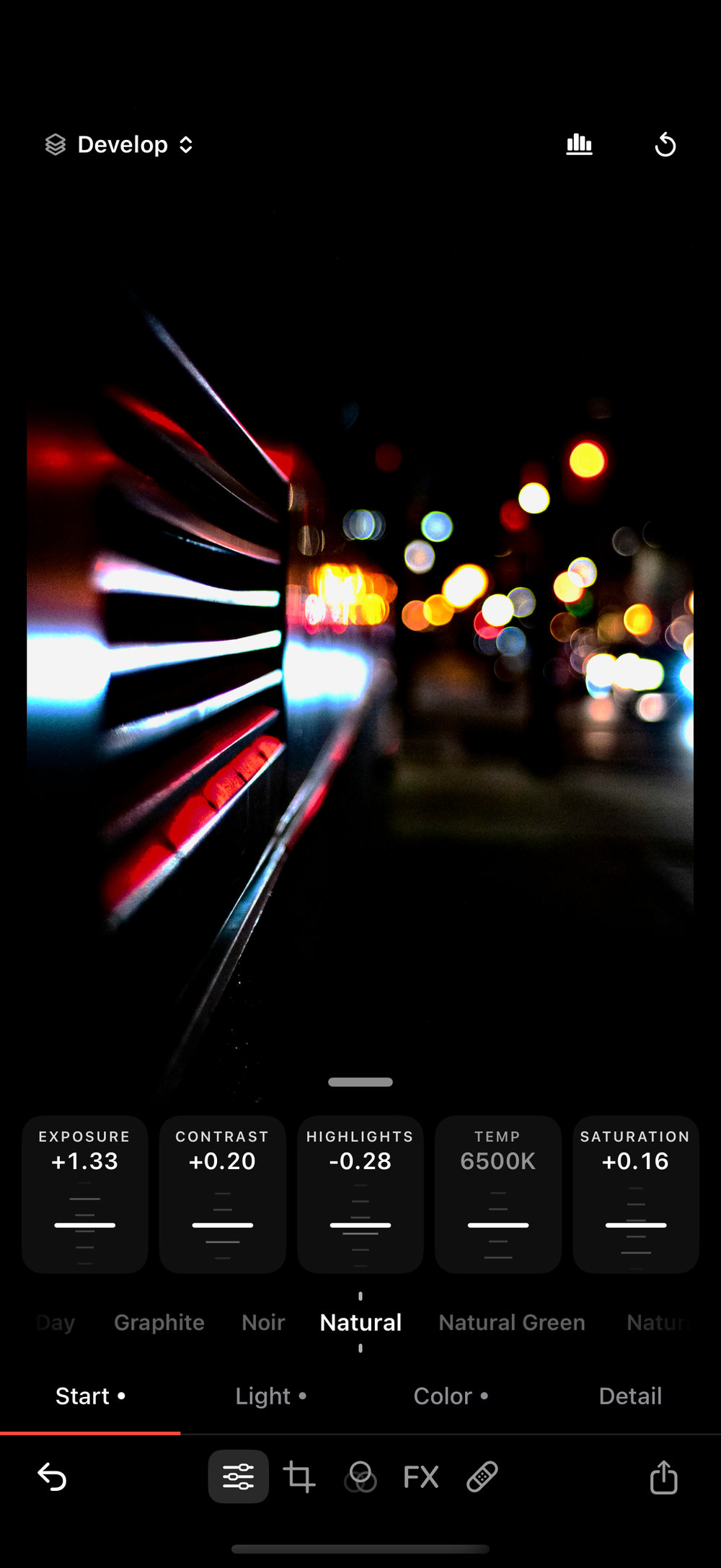
The Phototo Start tab mid-edit, with dials for Exposure, Contrast, Highlights, Temperature and Saturation, above a row of looks

edit it.

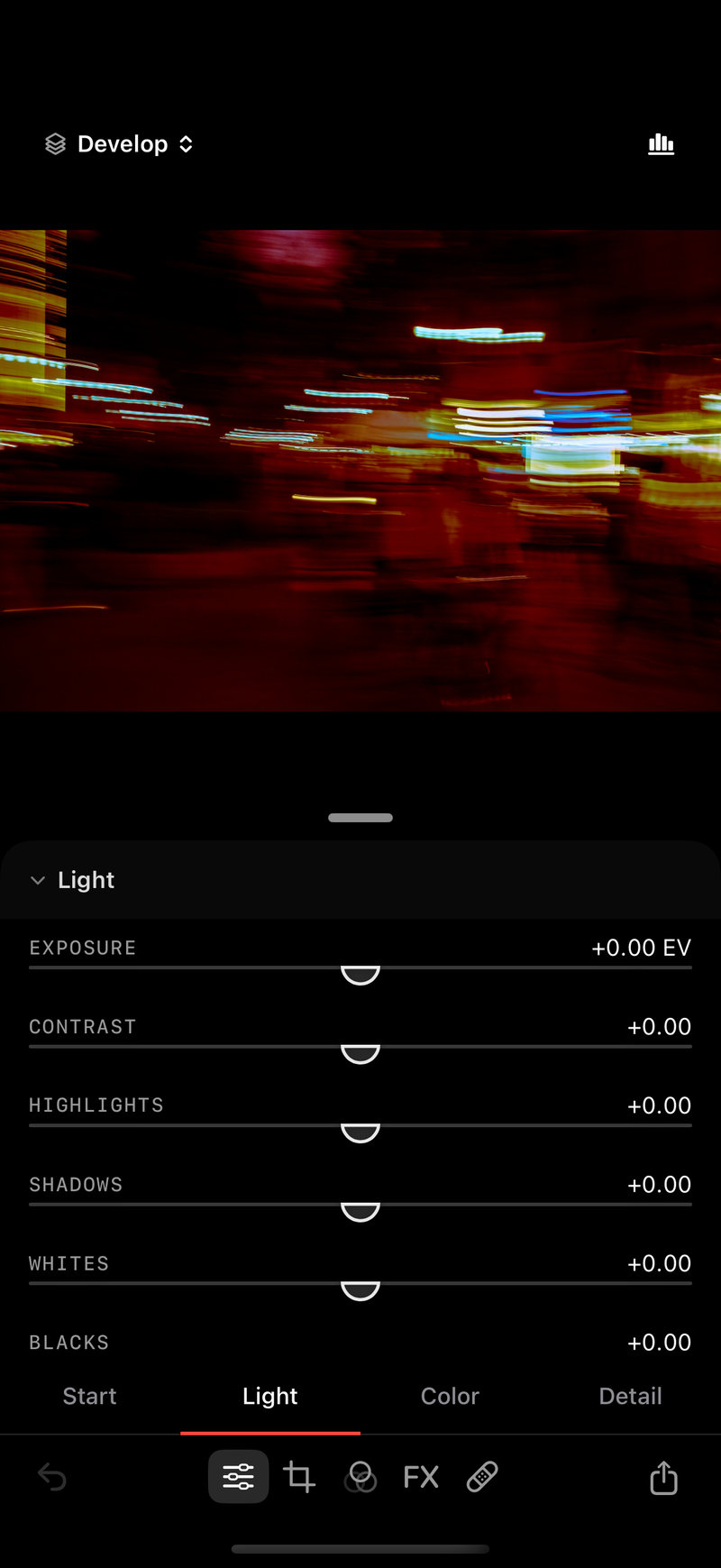
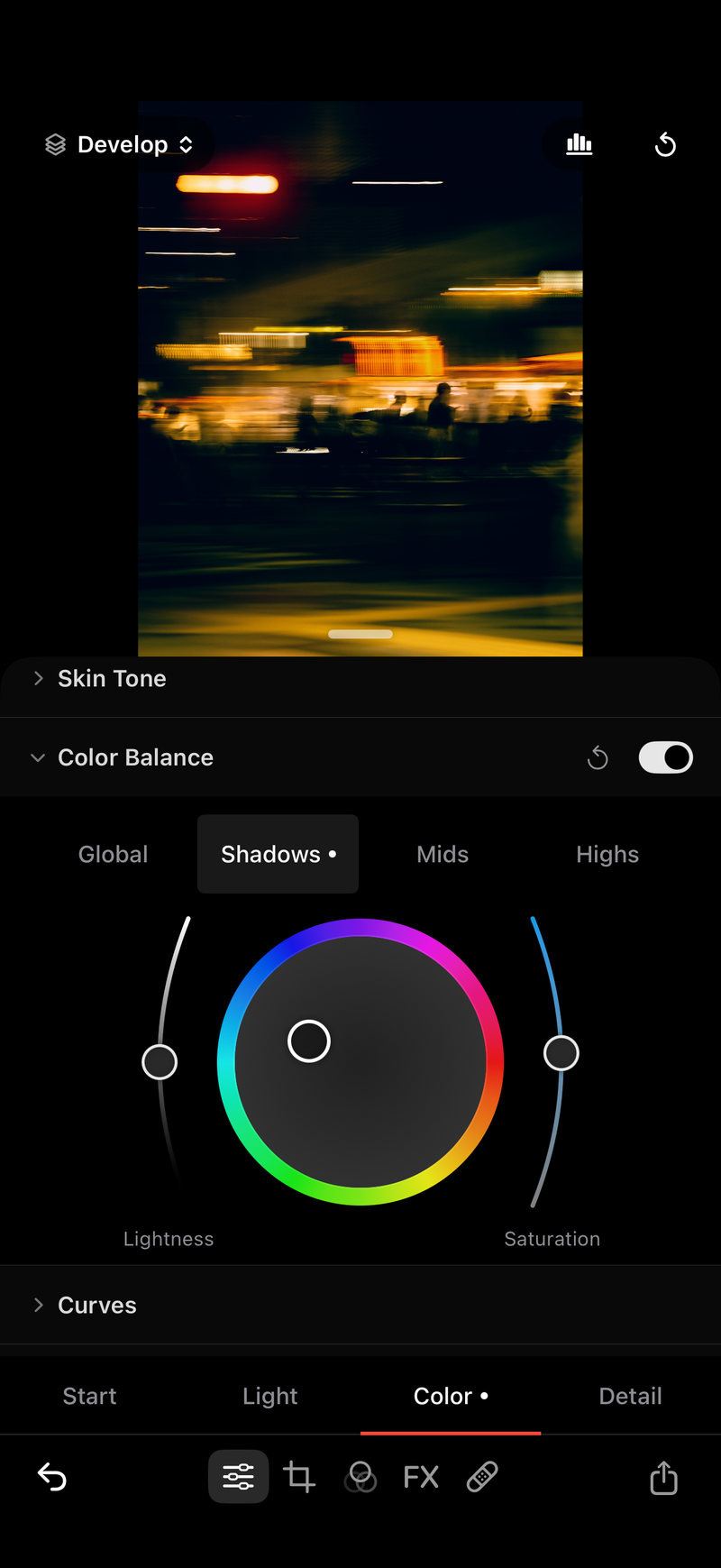
paint, gradient and radial masks.
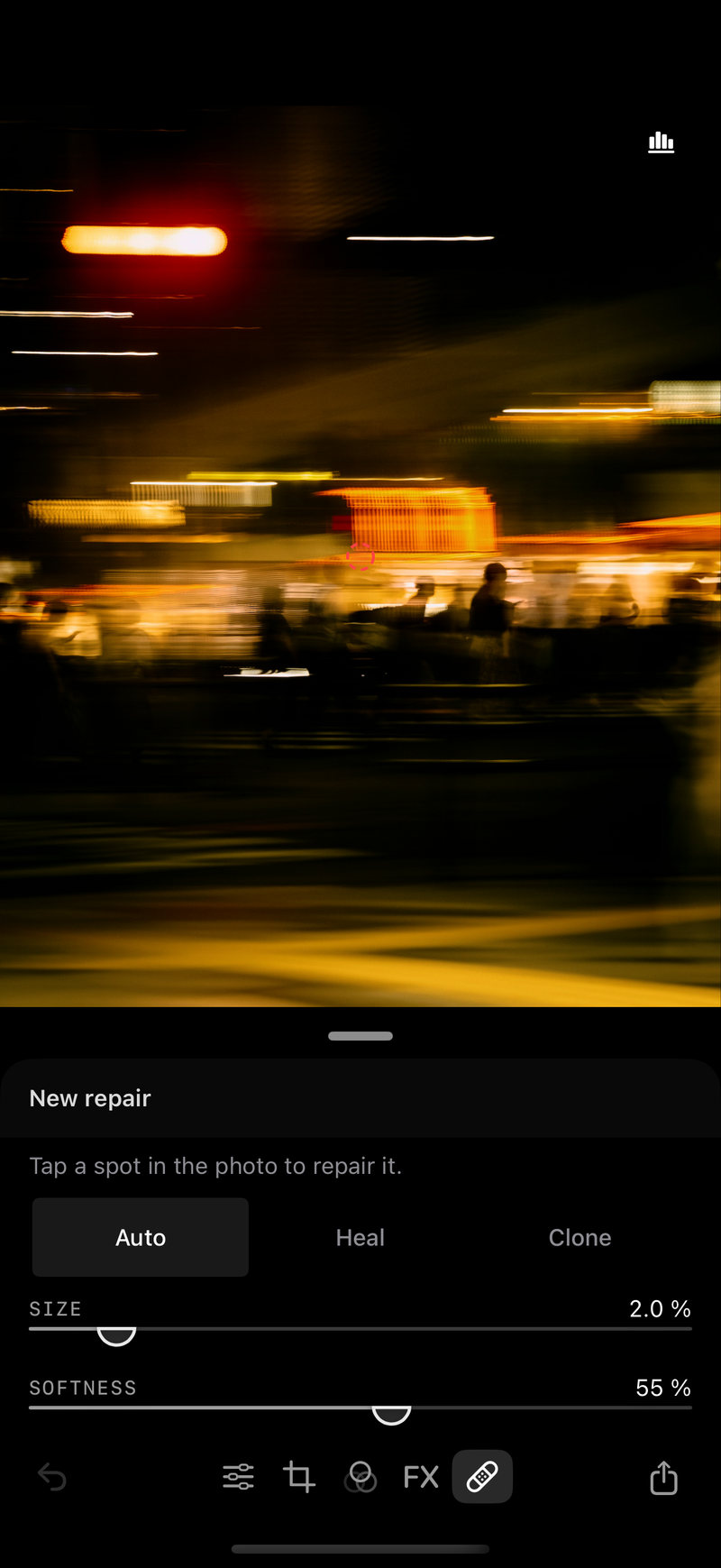
heal, clone, tone and texture.
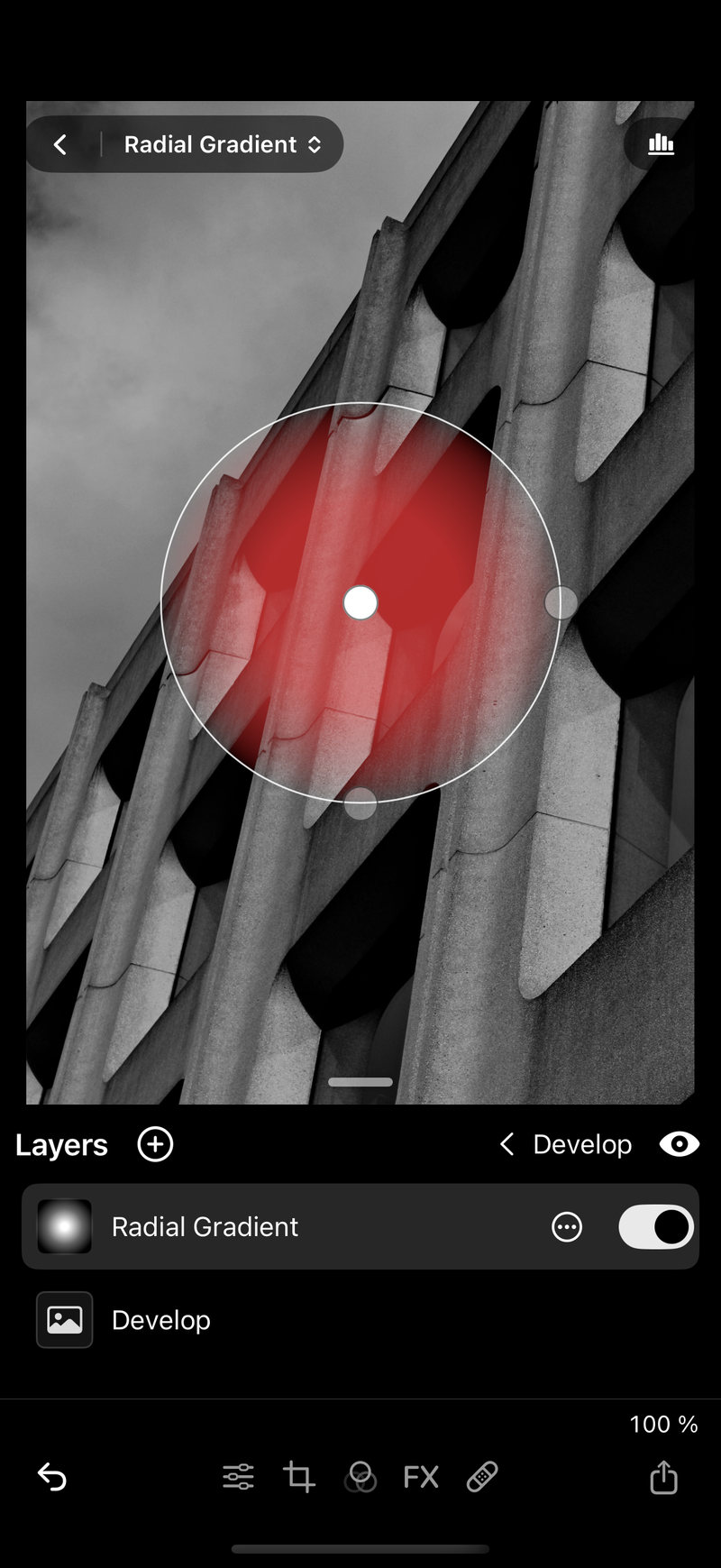
The Phototo editor with a red radial mask over a concrete building, and the Layers list below it

shoot it.

raw stills. prores and apple log.
manual shutter, iso and focus.
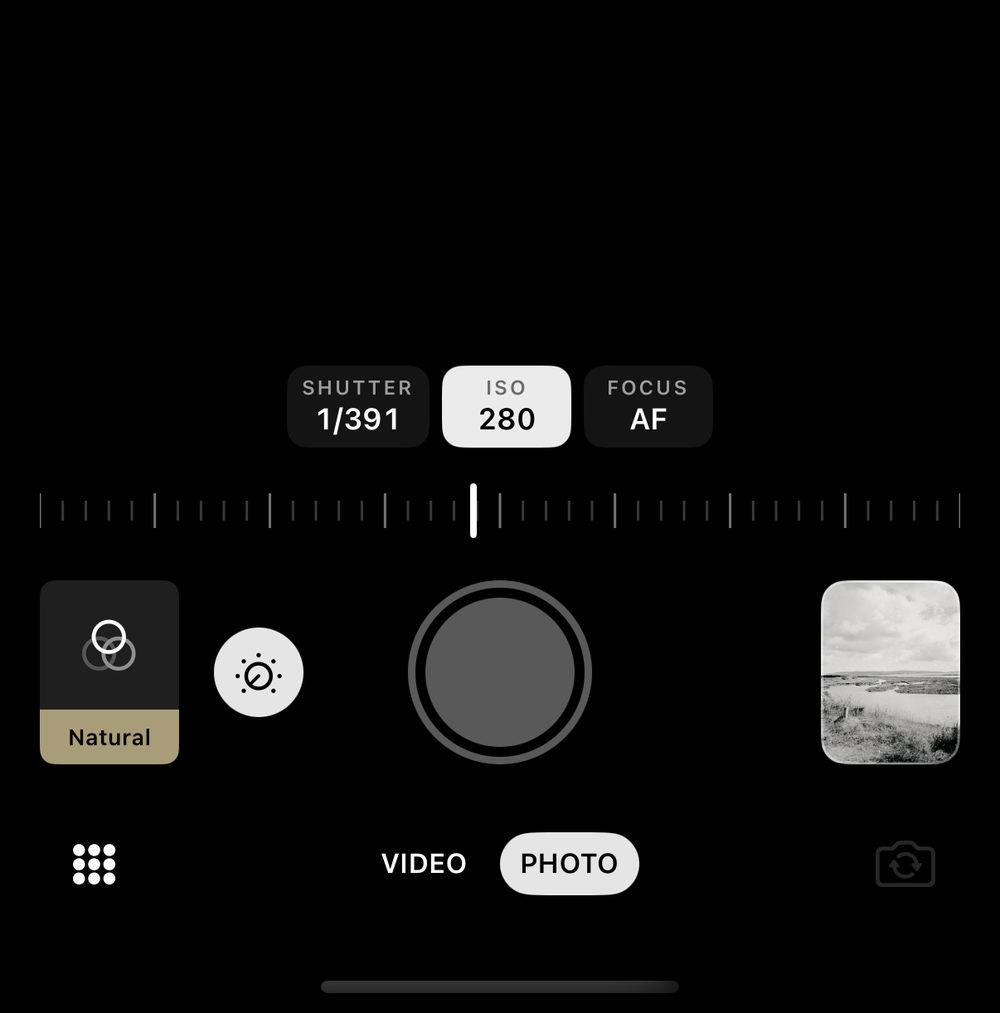
The Phototo camera controls set to shutter 1/391 and ISO 280, above the shutter button and the Photo and Video switch

back it up.

copy your photos to your own storage. off until you turn it on.
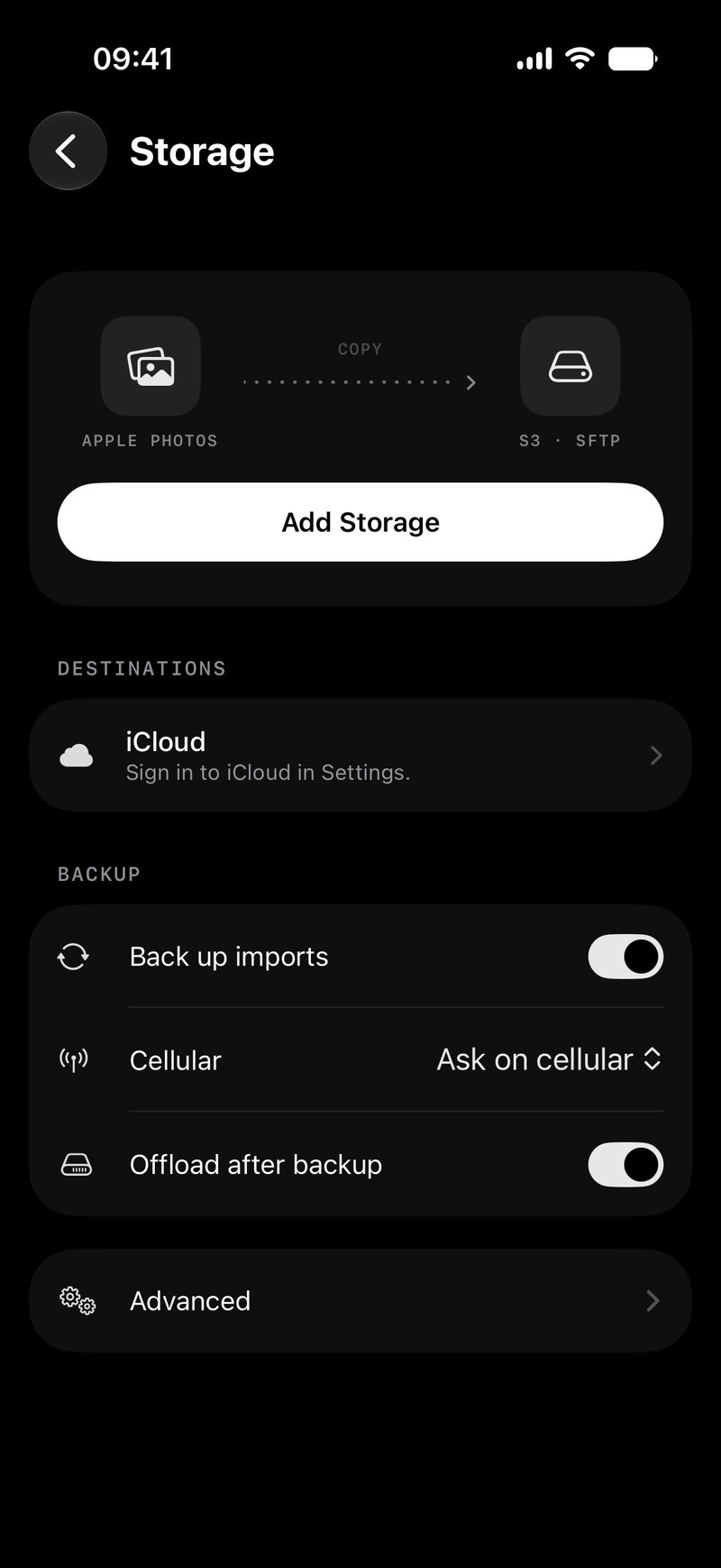
The Phototo Storage screen: Apple Photos copied to S3 or SFTP, with an Add Storage button

get the beta.

get the beta

opens in testflight. iOS 17 or later.